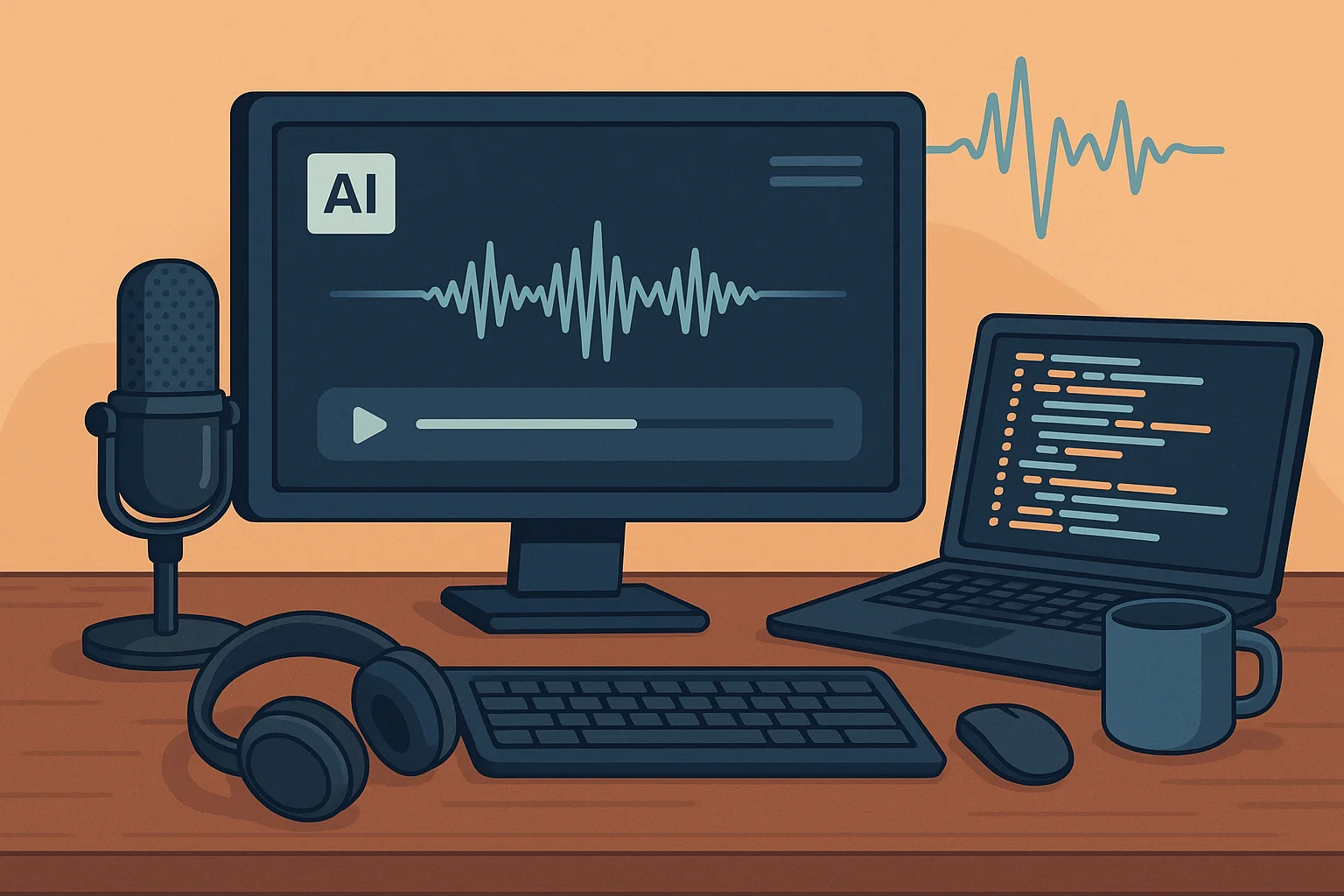
Voiceovers are everywhere — in YouTube videos, podcasts, advertisements, audiobooks, and even customer service bots. A good voiceover can bring words to life, add emotion to your message, and make your content sound more professional. But what if you could create your own system to do this automatically? That’s where building your own voice over generator comes in.
You don’t need to be a tech genius or own expensive recording gear. With the right tools, creativity, and some patience, anyone can design a voice generation system that fits their needs. Let’s explore how you can do it — step by step.
What Is a Voice Over Generator?
Before diving into building your own voice over generator, it’s important to understand what it is. A voice over generator is a tool or software that converts written text into spoken words using synthetic voices. These voices are powered by AI and text-to-speech (TTS) technology.
In simple terms, it’s like having a robot narrator that can read your script aloud — naturally and fluently. The latest AI voice engines can even express emotions, adjust tones, and mimic accents.
Why Build Your Own Voice Over Generator?
You might wonder, “Why not just use an existing voiceover app?” Fair question. While ready-made tools are convenient, building your own voice over generator gives you more control and flexibility.
Here’s why it’s worth doing:
- Customization – Create voices that perfectly match your brand’s tone, personality, or regional accent.
- Scalability – Once built, you can generate unlimited voiceovers without ongoing subscription costs.
- Learning Opportunity – It’s an amazing way to understand AI, audio processing, and how TTS systems work.
- Integration – You can connect your voice generator with your apps, websites, or games.
Think of it as designing a system that speaks exactly the way you want it to.
Step 1: Choose the Right Text-to-Speech (TTS) Engine
The foundation of building your own voice over generator lies in picking a reliable TTS engine. There are open-source and commercial options available.
Some popular ones include:
- Google Text-to-Speech
- Amazon Polly
- Microsoft Azure Speech Service
- OpenAI’s Whisper & GPT-based models
- Mozilla TTS (open-source)
If you’re just starting out, open-source options like Mozilla TTS are great for experimentation, while cloud platforms offer faster setup and a variety of pre-trained voices.
Step 2: Prepare and Clean Your Text
The next step is ensuring your text is clear and ready to be converted into speech. Clean up spelling mistakes, avoid unnecessary punctuation, and format it logically.
If your goal is to narrate videos, articles, or social media clips, make sure your text sounds conversational. The more natural your script, the better the voice output.
Step 3: Add Emotion and Style
A robotic voice can sound boring. To make your generator feel real, focus on emotion and style. Modern TTS systems let you adjust pitch, tone, and speed.
For example, you can tweak the voice to sound:
- Energetic for promotional videos
- Calm and friendly for tutorials
- Serious for documentaries
If you’re coding your own generator, you can use SSML (Speech Synthesis Markup Language) to define pauses, emphasis, and emotional tones. This makes your voiceover sound far more human-like.
Step 4: Create an Interface or App
Once your system can generate voices, it’s time to make it usable. You can build a simple web app or desktop interface where users input text and receive an audio file.
Basic features can include:
- Text box for script input
- Dropdown menus for choosing voice, accent, or language
- Playback and download buttons
- Volume and speed controls
If you have coding experience, you can use Python (with Flask or Django) or JavaScript (with Node.js) to make this interface functional.
Step 5: Test and Improve
The first version won’t be perfect — and that’s okay. Listen carefully to the generated voice, note where it sounds unnatural, and tweak your parameters.
Try these improvements:
- Adjust pronunciation for tricky words
- Balance audio levels
- Train custom voice models if you have enough data
Remember, the goal isn’t to make it sound 100% human on day one. The goal is progress. With every tweak, your voice over generator becomes more refined and natural.
Step 6: Add Extra Features (Optional but Fun)
Once your base system works, you can make it even smarter:
- Add language translation before generating voiceovers
- Integrate background music for ready-to-publish audio clips
- Connect APIs to auto-narrate blog posts or YouTube scripts
- Train a custom voice clone for unique branding
This is where building your own voice over generator gets exciting — you can turn it into a personal creative assistant that works on your terms.
Common Mistakes to Avoid
- Ignoring pronunciation – AI can misread abbreviations or names. Always test.
- Overusing effects – Too much pitch or speed change makes the voice sound fake.
- Skipping testing – Try different voices and styles before finalizing your setup.
Final Thoughts
In today’s content-driven world, voiceovers are more important than ever. Whether you’re a YouTuber, marketer, or developer, building your own voice over generator opens endless creative possibilities.
You’ll learn how synthetic voices work, gain technical skills, and most importantly — have the power to create natural, expressive audio anytime you want.
Start small. Experiment. Learn as you go. The best part about building your own voice over generator isn’t just the end result — it’s the process of turning your ideas into a real, talking voice that’s entirely your own.